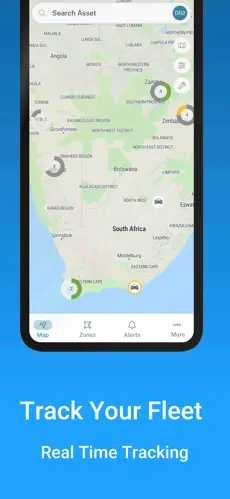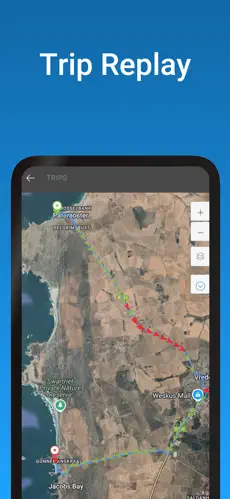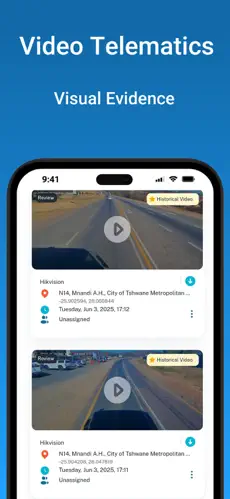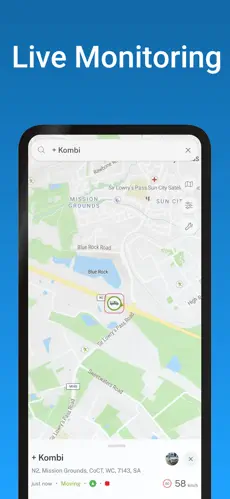
Mobile Apps For Android and iOS
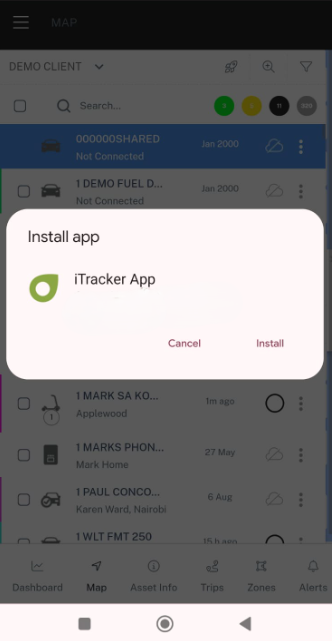
You should be prompted to install the app when you login from our website on your phone
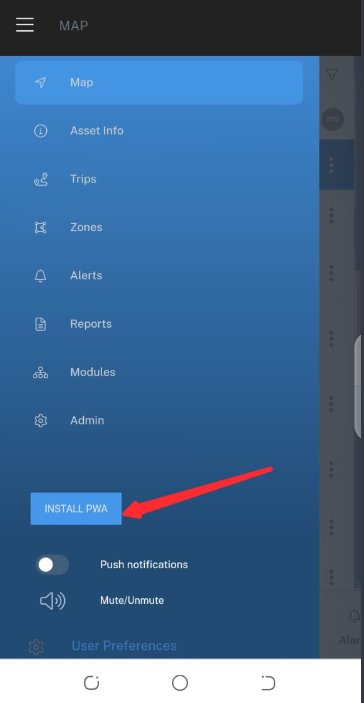
If you accidentially clicked cancel then open the side bar and click the INSTALL button
Unlike Android, Apple doesn’t show a pop-up to install PWA apps.
This is because Apple prefers users to download apps through their App Store, where they can maintain control (and collect fees).
1. Open Safari and login to portal.fleettracker.ca.
2. Tap the Share icon (square with the up arrow).
3. Scroll down and select “Add to Home Screen.”
4. Tap Add.
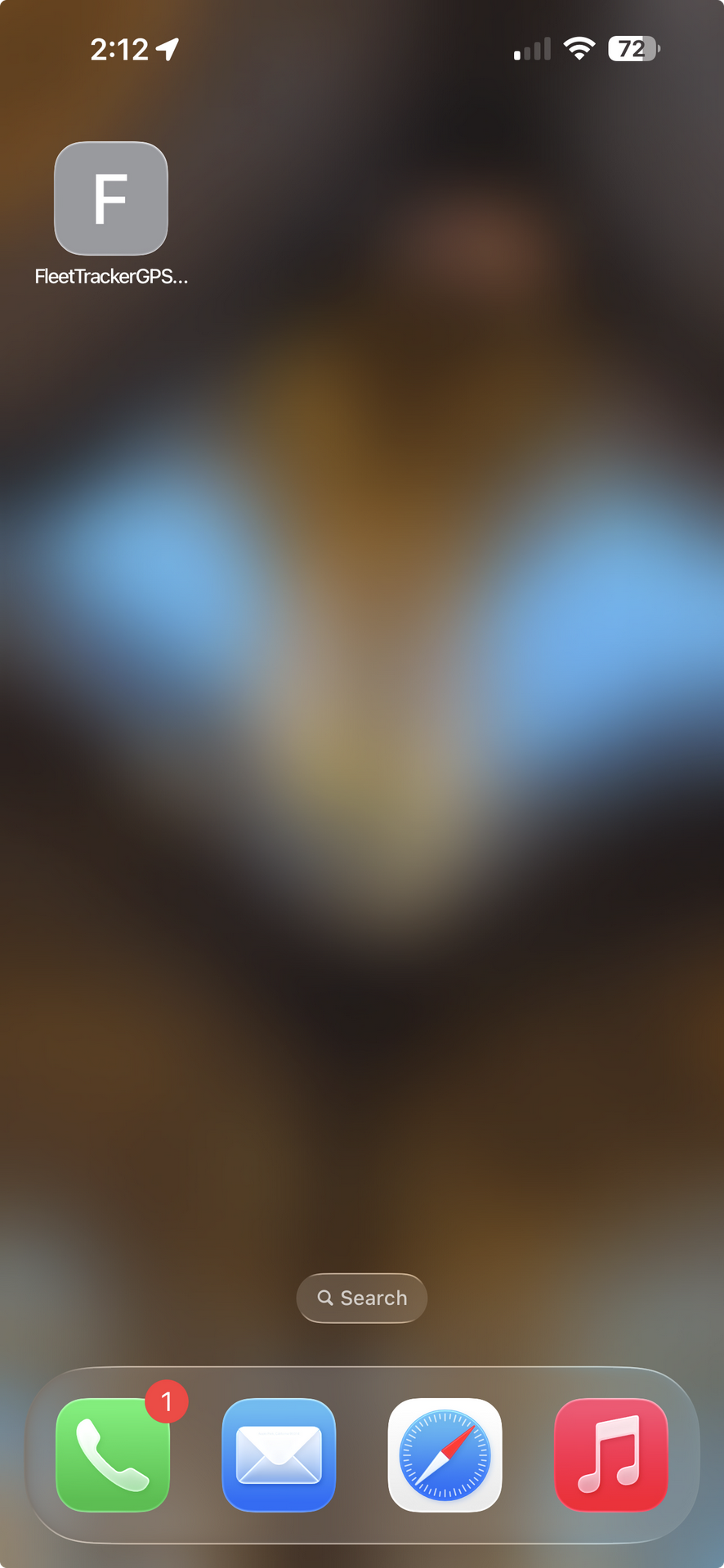
Your app will now appear on your home screen like a normal app.
Note: Apple only allows this in Safari — other browsers like Chrome won’t work.
The app is now installed.
A PWA is a new type of mobile app that works like a real app, but without the hassle of app stores
Runs like a native app – It looks, feels, and works just like a normal app you’d download from the App Store or Play Store.
Uses advanced tech – PWAs use something called Service Workers (like what native apps use) to work offline, load fast, and send push notifications.
Easy to install – Just visit your login page on a phone browser and tap “Add to Home Screen.”
Quick to launch – PWA app can be updated and live in just a few hours.
Alternatively, on browser, click the 3 dots to access browser menu, and select "Add to home screen"
if you would rather use an app you can download from the Apple or Google play store.
The generic application GPS monitor plus is fully compatible with FleetTracker 2.0
you can download the app from:
or